Setting up a home office sounds simple until you actually do it. You put a laptop on a table, sit down, and five minutes later your back is negotiating a peace treaty, your neck is doing that weird forward-hunch thing, and your desk looks like a cable jungle.
I’ve been there. My first “home office” was a kitchen chair, a laptop, and pure optimism. It worked right up until my shoulders started living near my ears.
The good news: you don’t need a Pinterest-perfect room or a thousand-dollar chair to build a solid setup. You just need the right accessories—the kind that quietly make work easier, keep you comfortable, and stop your desk from turning into chaos.
This beginner’s guide breaks down the must-have home office accessories that give you the biggest upgrade for the least effort. If you’re building a setup for studying, remote work, gaming between meetings (no judgment), or just trying to be more productive at home, this is the list.
1) A laptop stand or monitor riser (your neck will thank you)
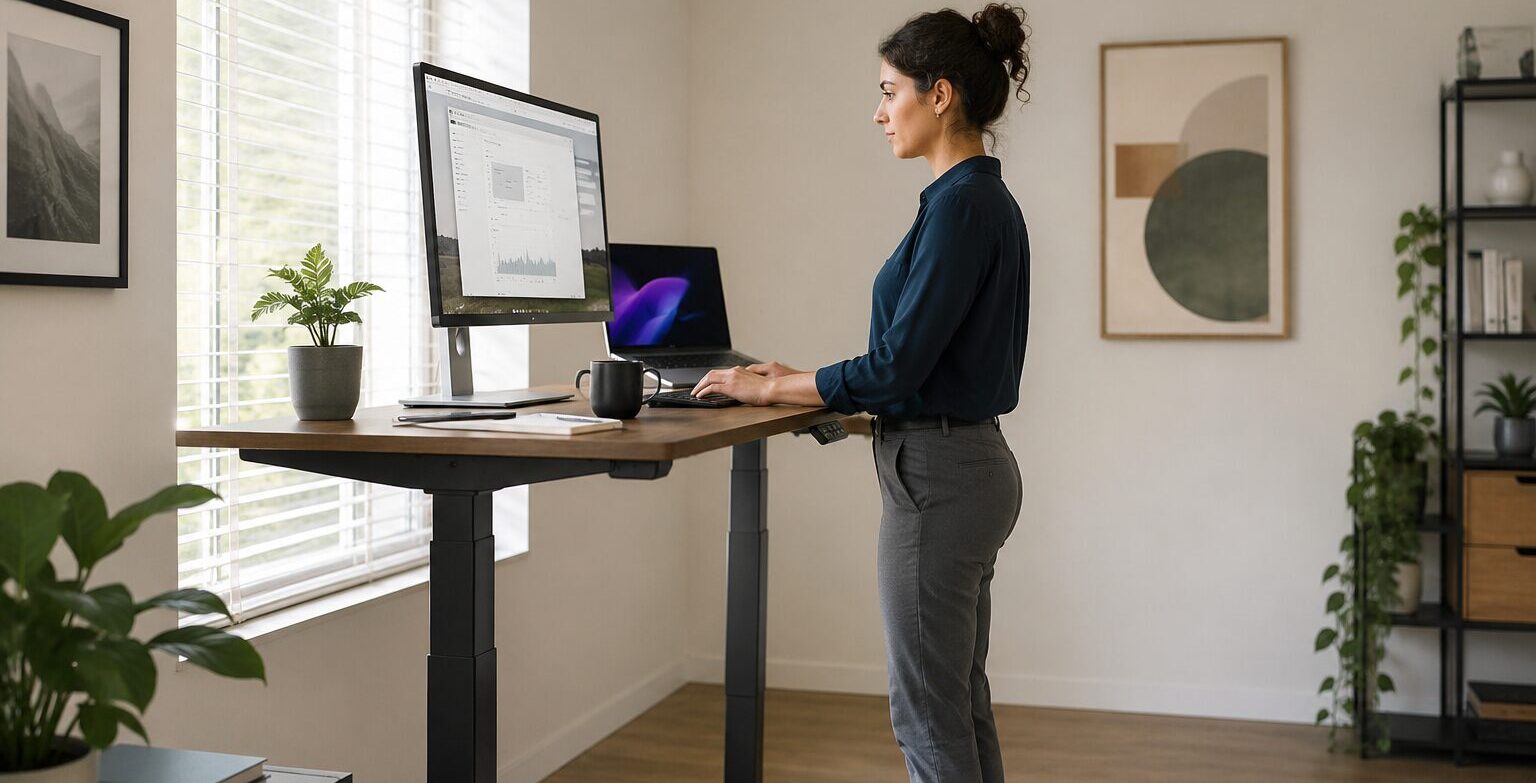
If you use a laptop flat on the desk, you’re basically signing up for the “tech neck” starter pack. Your screen sits too low, your head leans forward, and your posture slowly turns into a question mark.
A laptop stand (or a simple monitor riser) fixes this fast by lifting your screen closer to eye level.
What to look for:
- Stable base (no wobble when you type)
- Adjustable height if possible
- Enough airflow underneath (laptops love breathing)
Pro tip: If you use a laptop stand, you’ll want an external keyboard and mouse. Otherwise your hands end up awkwardly elevated like you’re playing the world’s least fun piano.
2) External keyboard and mouse (instant comfort upgrade)
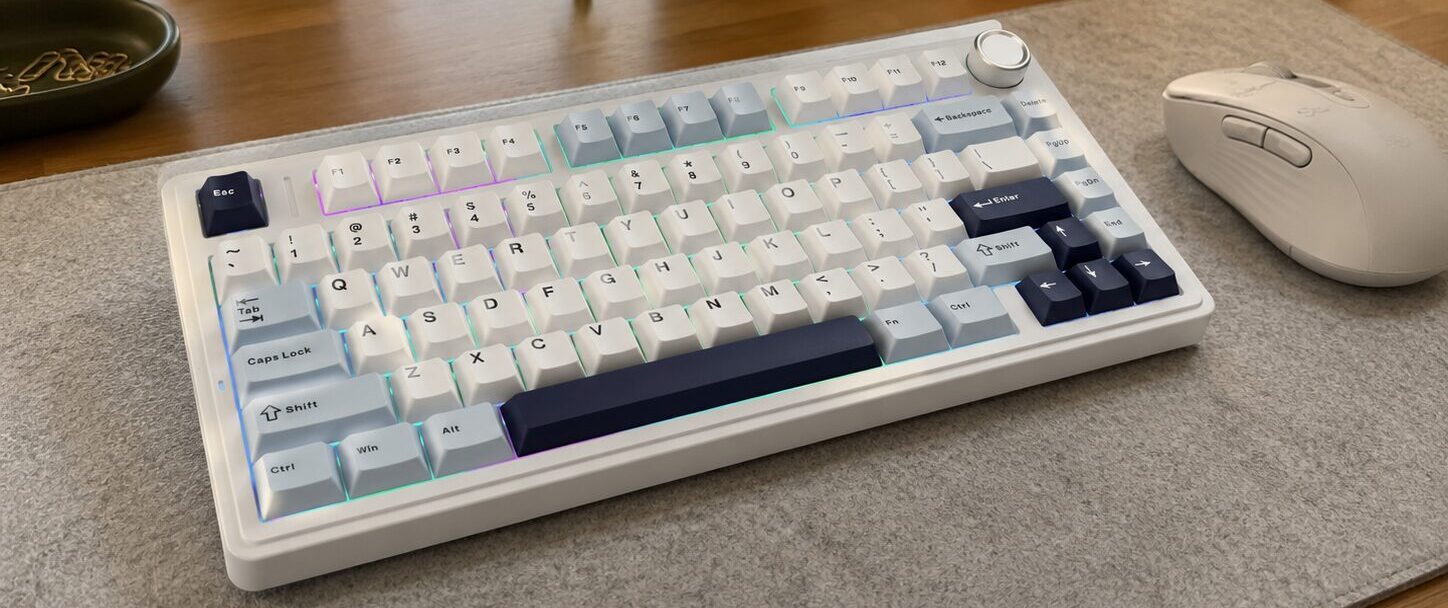
This is one of the most underrated productivity upgrades. A decent keyboard and mouse makes everything smoother: typing, editing, studying, spreadsheets, gaming—whatever.
What to look for in a keyboard:
- Comfortable key travel (not too stiff, not too mushy)
- Quiet-ish if you share space with other humans
- Wireless if you hate cable clutter
What to look for in a mouse:
- A shape that fits your hand (seriously—ergonomics matter)
- Extra buttons are nice for productivity (back/forward, shortcuts)
- Reliable sensor (cheap mice can feel “floaty”)
This is also where you stop using your trackpad like a caveman. Trackpads are fine on the go. For a home office? Upgrade.
3) A good desk lamp (your eyes deserve better)
Overhead lighting is usually trash for focus. It’s either too dim, too harsh, or it gives your desk that “hospital waiting room” vibe.
A desk lamp gives you controlled lighting where you actually need it. And if you do a lot of reading, studying, or late-night work, it’s a game changer.
What to look for:
- Adjustable brightness (dimmable is huge)
- Adjustable angle/arm
- Neutral white light options if possible (too warm can feel sleepy)
Bonus: good lighting also makes you look less like a ghost on video calls.
4) Headphones or earbuds (protect your focus)
If you work at home, you will eventually encounter distractions:
- neighbors practicing their drum career
- family conversations at maximum volume
- the random urge to hear every sound in the universe
Headphones (especially noise-canceling) create a little focus bubble. Even if you’re not playing music, the “I’m in work mode” effect is real.
What to look for:
- Comfort for long sessions (clamping force matters)
- Decent microphone if you do calls
- Noise isolation at least, noise canceling if your environment is loud
If you’re on a tight budget, even basic over-ear headphones can help. The point is to reduce friction and stay in the zone.
5) Webcam and mic basics (stop sounding like you’re underwater)
Most laptop webcams are… acceptable. Like instant noodles. Fine when you’re desperate, but you wouldn’t brag about it.
If you do frequent calls, a simple upgrade helps a lot:
- A basic 1080p webcam can make you look clearer
- A small USB mic can make you sound way more professional
If you don’t want a separate mic, choose headphones with a solid mic. You don’t need podcast-level gear—just something that doesn’t make your voice sound like it’s coming from inside a microwave.
6) Power strip + cable management (the “adult” part of your setup)
Cables multiply. It’s science.
A power strip with surge protection is the minimum. After that, cable management accessories make your desk look cleaner and make your life easier.
Must-haves:
- Surge protector power strip (ideally with USB ports)
- Cable clips or cable sleeves
- Velcro ties (cheap, reusable, lifesaving)
- A simple under-desk cable tray if you want to go next level
A clean desk isn’t just aesthetics. It reduces mental clutter. Less mess = less “ugh” when you sit down to work.
7) Docking station or USB hub (for the “I have too many things” problem)
Modern laptops love being minimal… which means you’ll have like two ports total. If you connect a monitor, keyboard, mouse, webcam, flash drives, and charging, you’ll run out of ports instantly.
A USB hub solves this. A docking station solves it even better if you’re building a full setup.
What to look for:
- Enough ports for your gear (USB-A and USB-C)
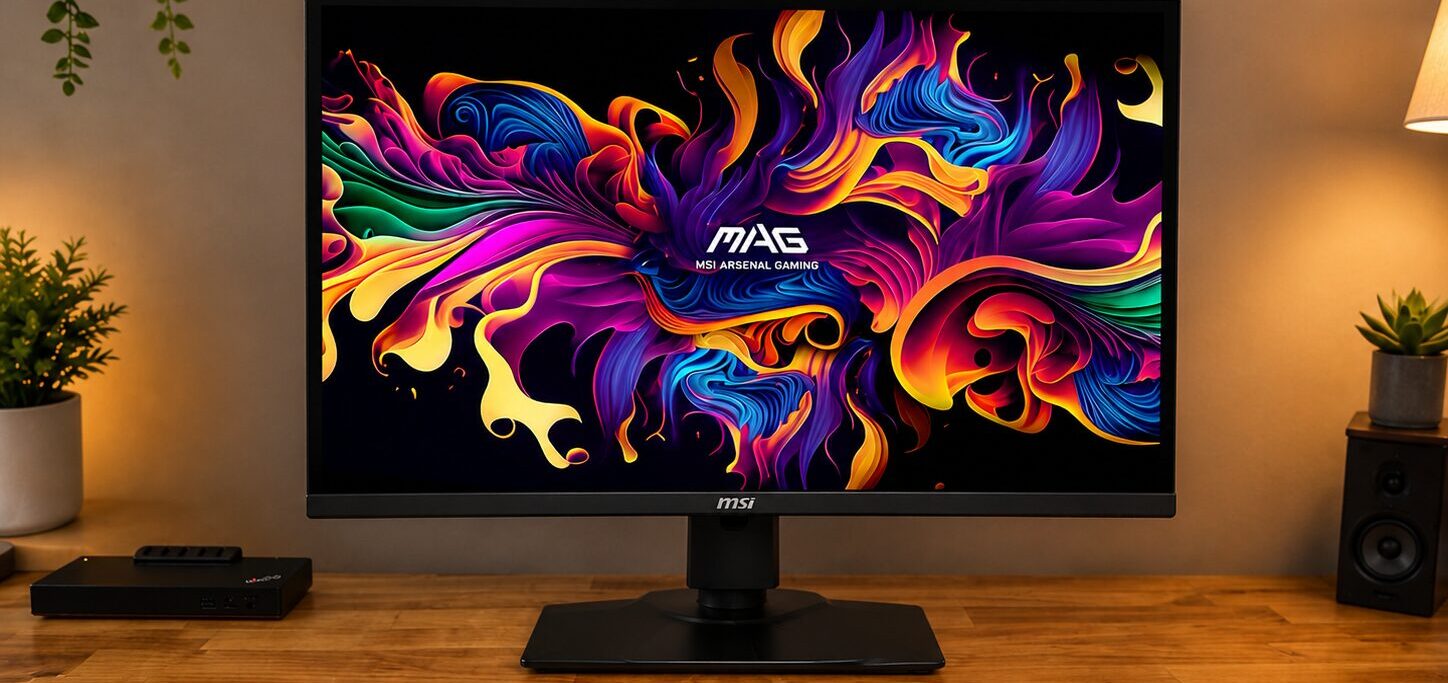
- HDMI if you use an external monitor
- Power delivery pass-through if you want one cable charging
This is one of those accessories that seems boring until you have it. Then you wonder why you suffered for so long.
8) Ergonomic add-ons: footrest, wrist rest, and chair cushion
You don’t need to go full “ergonomic influencer,” but a few small accessories can save your body.
Simple upgrades:
- Footrest if your chair is too high or feet don’t sit flat
- Wrist rest if you type a lot (not mandatory, but helpful)
- Seat cushion if your chair is basically cardboard with legs
- Lumbar support pillow if your back complains daily
The goal is comfort that lasts. If you can work two hours without shifting like a restless cat, you’re winning.
9) A notebook or desk planner (yes, analog still wins sometimes)
I’m a tech guy, but I’ll admit it: writing things down works. A simple notebook or weekly planner makes tasks feel real and keeps you from opening 12 apps to remember one thing.
Best use:
- daily top 3 tasks
- quick notes during calls/classes
- habit tracking (sleep, workouts, deadlines)
It’s not “old school.” It’s “less distraction.”
Putting it all together: the beginner setup that actually works
If you’re just starting, here’s the easiest order to buy things in:
- Laptop stand + keyboard + mouse
- Desk lamp
- Power strip + cable ties
- Headphones with a decent mic
- USB hub/dock (if needed)
- Ergonomic extras (footrest/cushion)
This setup covers posture, focus, lighting, and organization—the four things that make home office life way smoother.
You don’t need everything on day one. Build it like a smart person: fix the biggest pain points first. Your home office should make work easier, not make you feel like you’re camping at a desk.