Working from home can be a dream for graphic and UI designers, but only if the workspace supports both creativity and focus. A good home office is not just about making the room look stylish. It should help you think clearly, stay comfortable during long sessions, and keep your tools within easy reach. Whether you design brand identities, websites, mobile apps, or digital products, the right setup can improve both your workflow and your results.
1. Start with a Spacious and Functional Desk
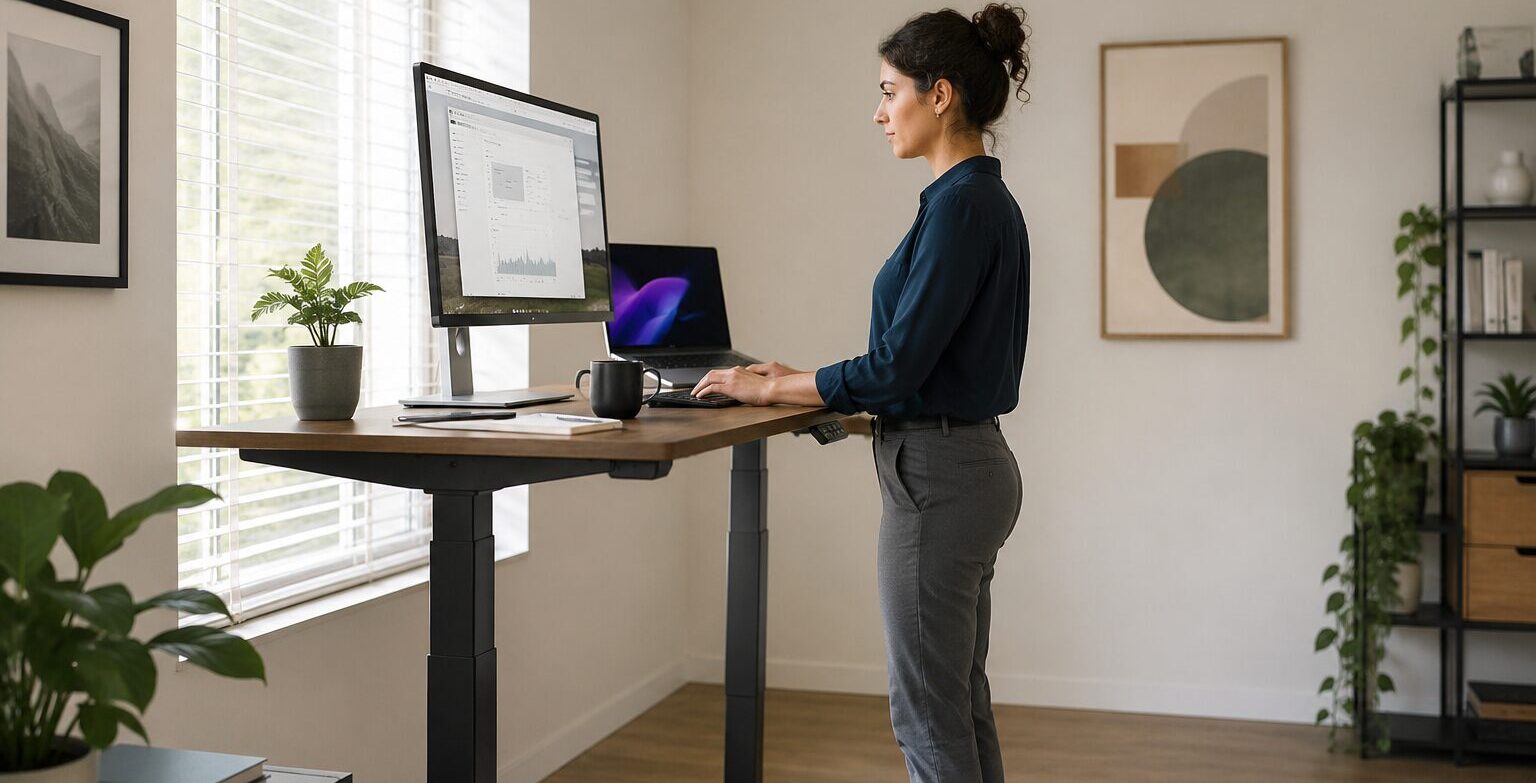
One of the most important parts of a designer’s home office is the desk. You need enough surface area for your monitor, keyboard, sketchbook, tablet, and a few everyday essentials without feeling cramped. A small desk may look neat, but it can quickly become frustrating when you are switching between sketching, prototyping, and reviewing assets.
A simple, spacious desk with a clean layout usually works best. Many designers also prefer standing desks because they make it easier to alternate between sitting and standing throughout the day. The goal is to choose a desk that supports your workflow instead of limiting it.
2. Invest in a Comfortable Chair
The chair matters just as much as the desk. Designers often spend hours adjusting layouts, refining typography, or making tiny visual changes, so posture becomes a serious issue over time. An ergonomic chair with proper back support can make a huge difference in comfort and energy levels.
A beautiful workspace is great, but not at the cost of back pain. If your budget is limited, prioritize comfort over decoration. A well-supported body helps support better creative work and makes long design sessions much easier to handle.
3. Use Good Lighting for Better Focus
Lighting is another essential part of any productive design setup. Natural light is ideal because it reduces eye strain and makes the space feel more open and pleasant. If possible, place your desk near a window, but avoid strong glare directly on your screen.
For evening work or darker rooms, a good desk lamp with soft, even lighting is a smart addition. Graphic and UI designers rely heavily on color, contrast, and visual detail, so poor lighting can affect both accuracy and mood more than many people realize.
4. Choose a High-Quality Monitor
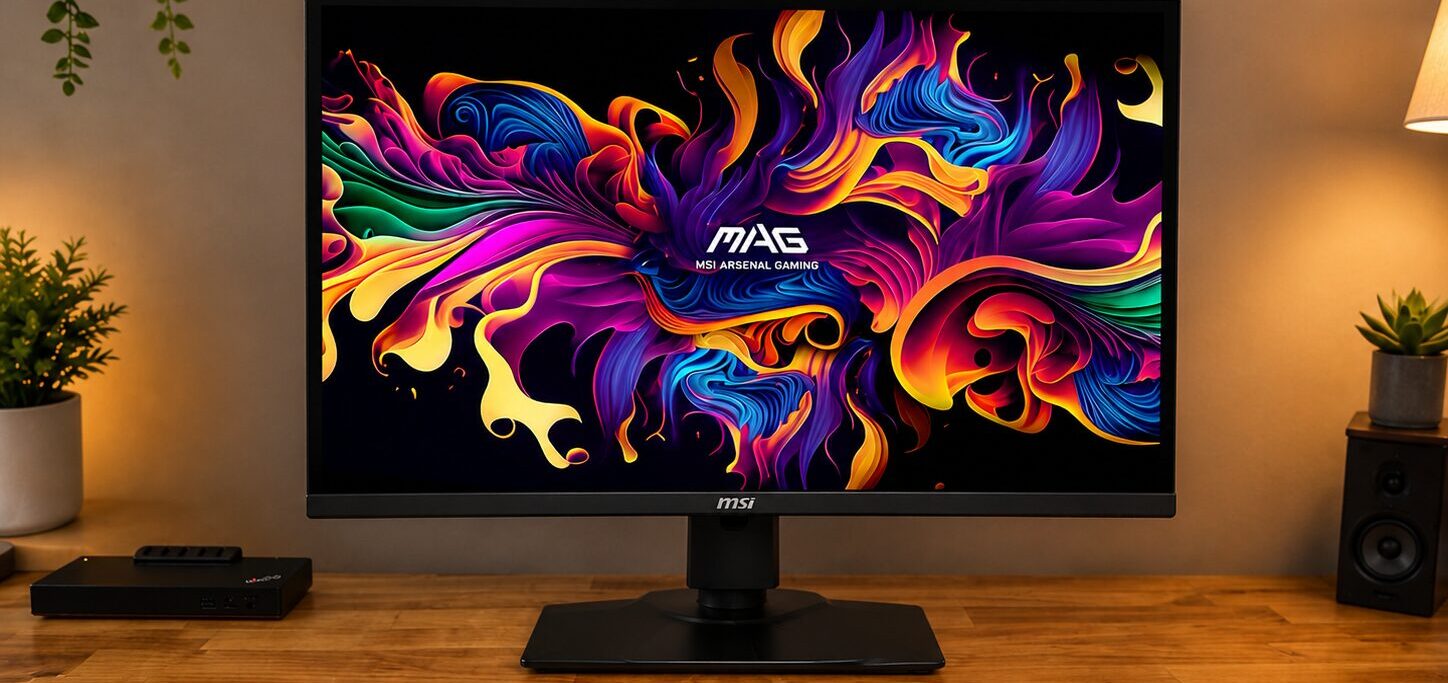
A high-quality monitor is one of the best investments a designer can make. While laptops are convenient, a larger external display gives you more room to work and makes it easier to manage multiple windows, artboards, or design tools at once.
For graphic and UI work, screen clarity and color accuracy are especially important. A monitor with sharp resolution and consistent colors can help you design more confidently and reduce mistakes. Some designers prefer a dual-monitor setup, while others like a single large display. The best option depends on your workflow, but more visual space usually means better efficiency.
5. Keep the Workspace Organized
To keep the workspace functional, organization should never be ignored. Designers often deal with cables, hard drives, chargers, notebooks, color cards, and other small items that can quickly create clutter. A messy desk can make the mind feel messy too.
Cable management, desk drawers, shelves, and small organizers can keep everything tidy without taking away from the style of the room. The goal is to create a space that feels calm and easy to work in, not crowded and distracting.
6. Add Personal Style and Inspiration
Personal style also matters in a designer’s office. Since design is a creative field, your environment should feel inspiring. That does not mean filling the room with random decorations. Instead, choose a few elements that reflect your taste and motivate you.
This could be framed posters, design books, a mood board, a minimal plant arrangement, or objects with interesting textures and colors. A visually pleasing space can support creativity, especially when it still feels organized and intentional.
7. Create Space for Sketching and Brainstorming
For graphic and UI designers, having a place for analog thinking is also helpful. Even in digital design, ideas often start on paper. Keeping a sketchpad, sticky notes, or a small whiteboard nearby can make brainstorming easier.
Some of the best design solutions begin as rough sketches before they ever reach Figma, Adobe Illustrator, or Photoshop. Creating a workspace that supports both digital execution and quick idea generation can improve the creative process.
8. Use Technology That Supports Your Workflow
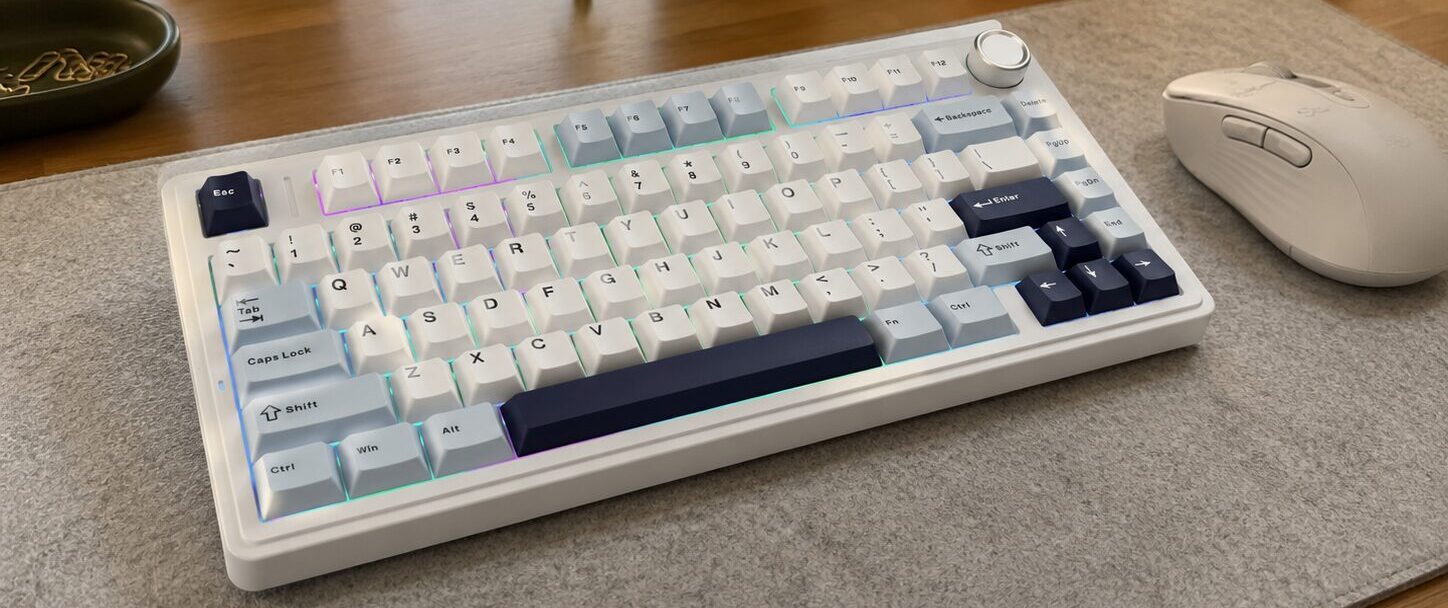
Technology should support your work without overwhelming the space. A reliable laptop or desktop, a fast internet connection, noise-canceling headphones, and a good webcam for client calls or team meetings can all improve your day-to-day experience.
A drawing tablet may also be useful for certain graphic designers and illustrators. The key is not to buy every trendy gadget, but to choose tools that genuinely fit your workflow and make your job easier.
Conclusion
The best home office setup is one that balances productivity, comfort, and inspiration. Graphic and UI designers need a space that looks good, feels good, and works well under pressure. You do not need a huge room or an expensive renovation to create that kind of environment.
With the right desk, supportive chair, proper lighting, strong monitor, and a touch of personal style, even a small corner of your home can become a powerful creative workspace. A smart home office is more than a place to sit and work. For designers, it becomes part of the creative process itself. When your environment supports your focus and reflects your vision, great work comes more naturally.